
Order intake agent
Ingest orders from email, EDI, portals, or structured feeds. Extract the fields that matter, validate them against your rules, and route exceptions before they create downstream rework.
RevorzAI connects the signals, documents, decisions, and people across order-to-cash. Each specialist agent owns a workflow. The platform keeps the context, controls, and audit trail together.

RevorzAI is not a single chatbot attached to a finance dashboard. It is a coordinated layer of domain agents that can read the systems you already use, act according to your policy, and explain what happened.
See the operating model →Every capability is grounded in the work finance and operations teams actually inherit: incomplete data, mismatched records, ambiguous policies, and customers who need a clear answer.
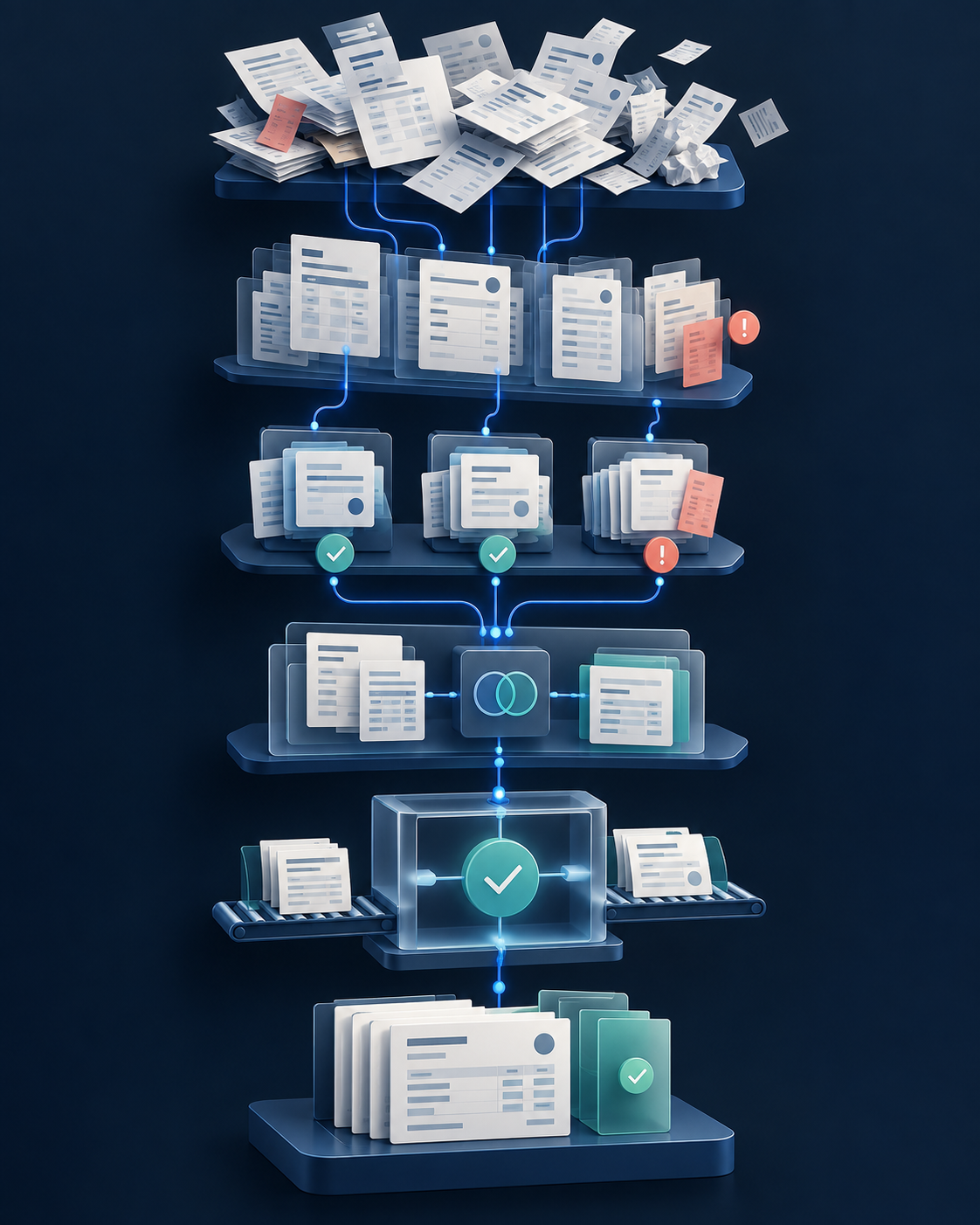
Ingest orders from email, EDI, portals, or structured feeds. Extract the fields that matter, validate them against your rules, and route exceptions before they create downstream rework.
Assemble invoice-ready context from contracts, orders, delivery events, tax rules, and customer requirements. Generate drafts, identify missing inputs, and keep the handoff to your ERP clean.
Match incoming payments to open invoices across bank feeds and remittance details. Surface partial, bundled, or ambiguous payments with the evidence an operator needs to decide.
Collect the order, invoice, delivery, and communication history behind a dispute. Draft a response or route the case to the right owner with the reason, evidence, and next action attached.
Prioritize open receivables by risk, age, relationship, and promise-to-pay context. Prepare customer outreach using approved language and update the record when a customer responds.
When an action falls outside policy or confidence is low, route it to the right human. Keep the full reasoning chain visible so the operator can resolve the case rather than restart the investigation.
RevorzAI brings work into a prioritized inbox instead of asking operators to hunt across email, ERP screens, bank portals, and spreadsheets.
Build trust through visible guardrails: every agent action has an owner, an input, a policy, and an outcome.
Open the source document, record, or message behind every recommendation.
Encode thresholds, tolerances, and approved communication paths into the workflow.
Require the right person to approve high-impact or low-confidence steps.
See what the agent observed, decided, changed, and left for review.
Turn resolved exceptions into clearer operating guidance for the next one.
Keep updates coordinated across ERP, CRM, bank, and customer channels.
We’ll show where agents can act, where approvals belong, and what a clean handoff to your current systems could look like.
Book a workflow review